
Turn your documents into courses in minutes
Upload a policy, procedure or presentation and the AI agent builds a ready-to-run course with knowledge checks in one conversation, then stays in the builder to help you edit.
Our community has built over 1,700 courses with AI Course Authoring in 2026.







60-page plans to courses in minutes
Movement Five’s Behavior Support Plans can run past 60 pages.
Now one staff member turns each plan into an interactive course in about five minutes, which keeps training consistent and data secure.

Step 1
Start with a policy, procedure or PowerPoint
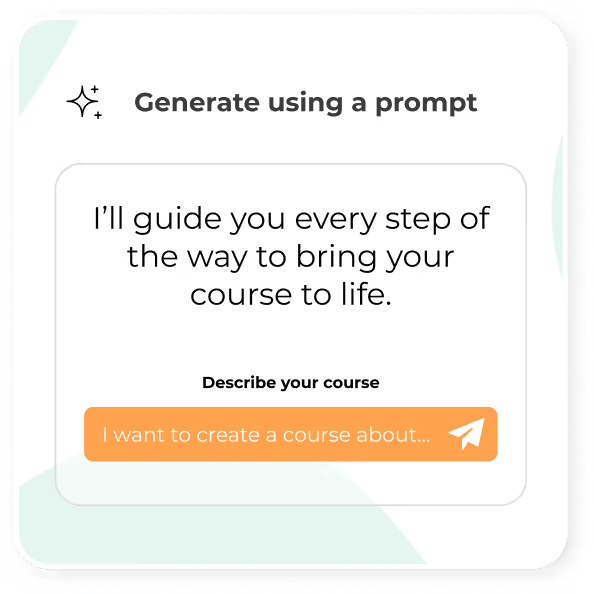
Upload a Word document, PowerPoint or PDF, or describe the course you need. The AI agent builds the course in one conversation and stays with you to help with edits afterward.
Step 2
Keep your policies accurate
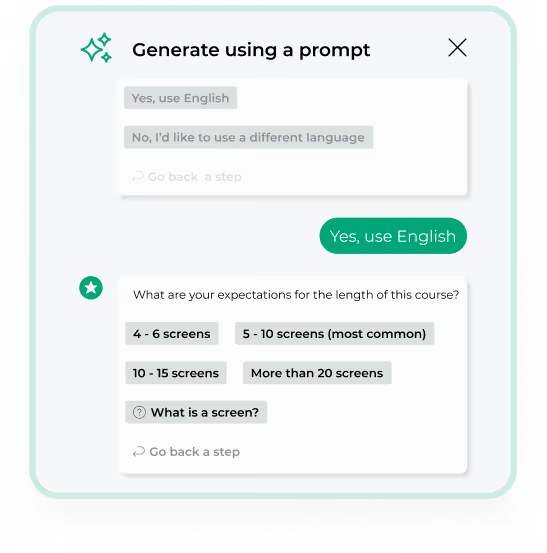
Keep your wording exactly as written, or let AI Course Authoring reorganize and expand it. You decide how much it changes.

Step 3
Review it and add your expertise
Review and edit every screen, add your expertise, and apply your colors, fonts and logo, and even translate it into another language.

You can create:
- Onboarding
- Role and team-specific training
- Refreshers
- Culture and values courses
- Volunteer and community learning
- Team collaboration courses
- Parent education

Frequently asked questions
With etrainu’s AI Course Authoring, you upload a policy, procedure or PowerPoint and it builds an online course with knowledge checks in minutes. You review and edit every screen, apply your branding, and publish it in the etrainu LMS for staff to complete. Movement Five uses it to turn 60-page Behavior Support Plans into courses in about five minutes.
Yes. etrainu’s AI Course Authoring has a Verbatim mode that keeps your policy wording exactly as written while structuring it into a course with knowledge checks. This suits policies, procedures and compliance content where accuracy matters. If you want more help, other modes can reorganize or expand your material, and nothing reaches staff until you’ve reviewed it.
etrainu’s AI Course Authoring suits any training that starts from your own documents, including onboarding, role-specific training, refreshers, policy and procedure training, and culture and values courses. Disability, aged care, sport and corporate organizations use it to turn the material they already have into courses staff can complete in the etrainu LMS.
Yes. etrainu’s AI Course Authoring can translate your courses into other languages. Choose the language you need and the course content is translated automatically, so staff can complete training in the language they understand best. This helps organizations with multilingual workforces.
BOOK MY DEMO
Bring a document, we will turn it into a course
Bring a document, we will turn it into a course
Bring a policy or procedure that needs to become training, and we’ll show it to you as a finished course in your demo.