
Automate Training Delivery

With Playlists, you can automate and organise training across your organisation with ease. Group courses into custom learning journeys and automatically assign them to learners based on department, role, or start date.

Organisations using Playlists save an average of 15 minutes per onboarding, reducing admin time and ensuring a consistent, streamlined learning experience.
Book a Demo
See it in action
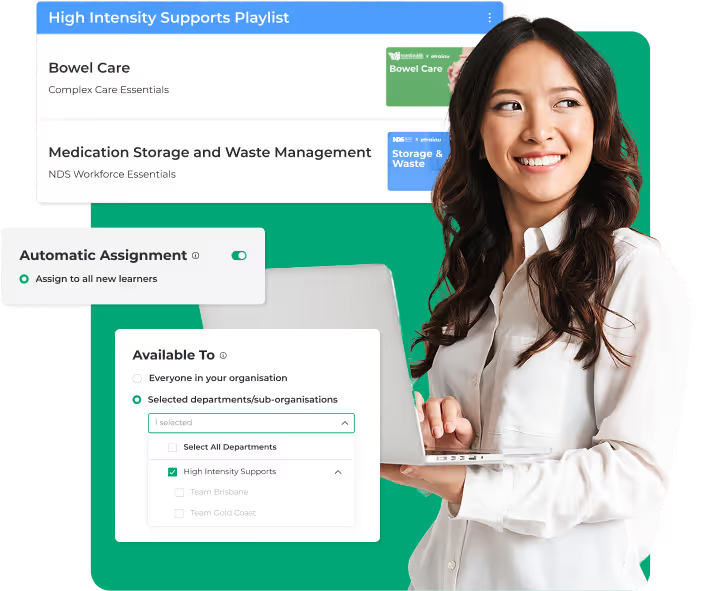
Smiling woman holding a laptop next to user interface screens showing a High Intensity Supports Playlist and options for automatic assignment and department selection.
Building exceptional communities through education
NDS LogoBasketball Aus LogoAlliance AUS LogoUSATF LogoFootball Aus LogoCarers QLD LogoMable LogoGymnasitcs Aus LogoWarrigal LogoHome Caring Logo
"We are saving at least 15 minutes per new employee with this feature. Aside from saving time, it is nice to know that the team receives the right courses each time. I don’t have to double-check that I’ve assigned the right training. It’s another thing I don’t have to think about."
Emma Robinson
Human Resources Manager at Interchange Illawara
SEE CASE STUDY

How it works

Watch the video below to see how it works!
01
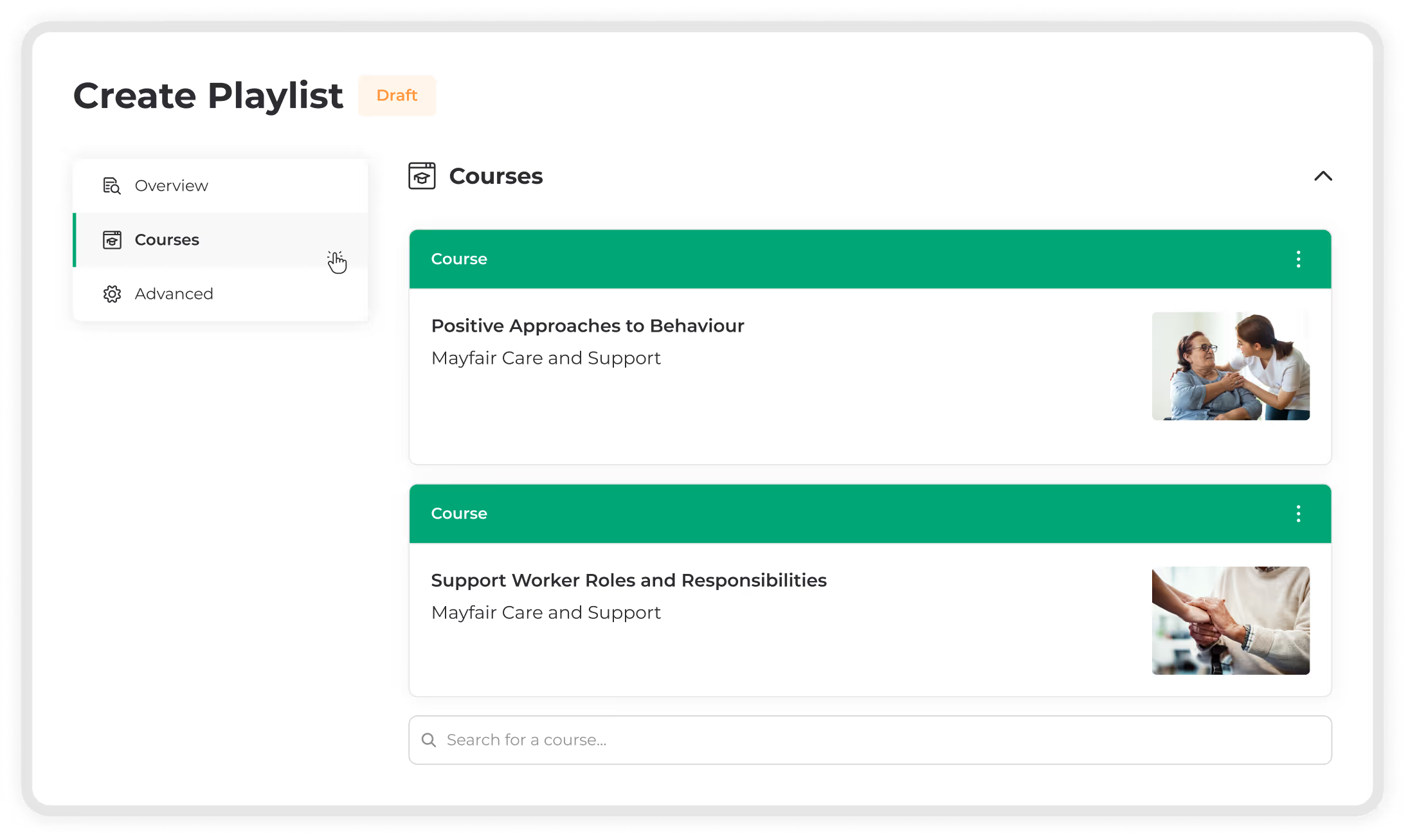
Create your playlist

Start by selecting the courses your team needs. Will this Playlist support onboarding, compliance, refresher training, or a specific department — like team members handling High Intensity Supports?

Build it your way, tailored to how your organisation learns and what your team needs.
1
Create Playlist interface showing draft status with two courses: Positive Approaches to Behaviour and Support Worker Roles and Responsibilities, each with related thumbnail images.
02
Automate enrolement

Save time with smart automation.


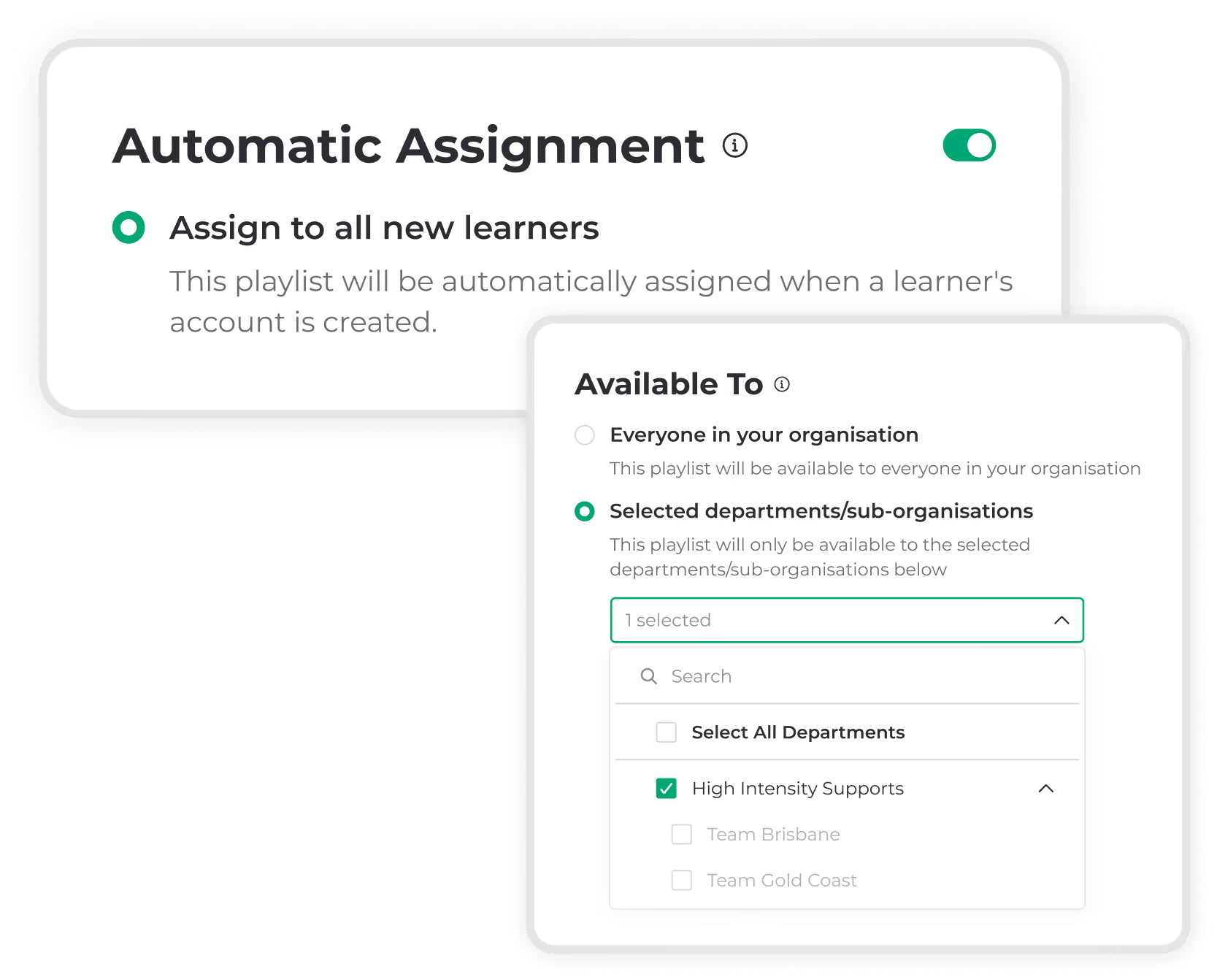
Assign the playlist to everyone, or automatically enrol learners based on department, role or start date.
2
User interface for automatic assignment with toggles to assign a playlist to all new learners or selected departments, showing High Intensity Supports selected.
03
Track and report

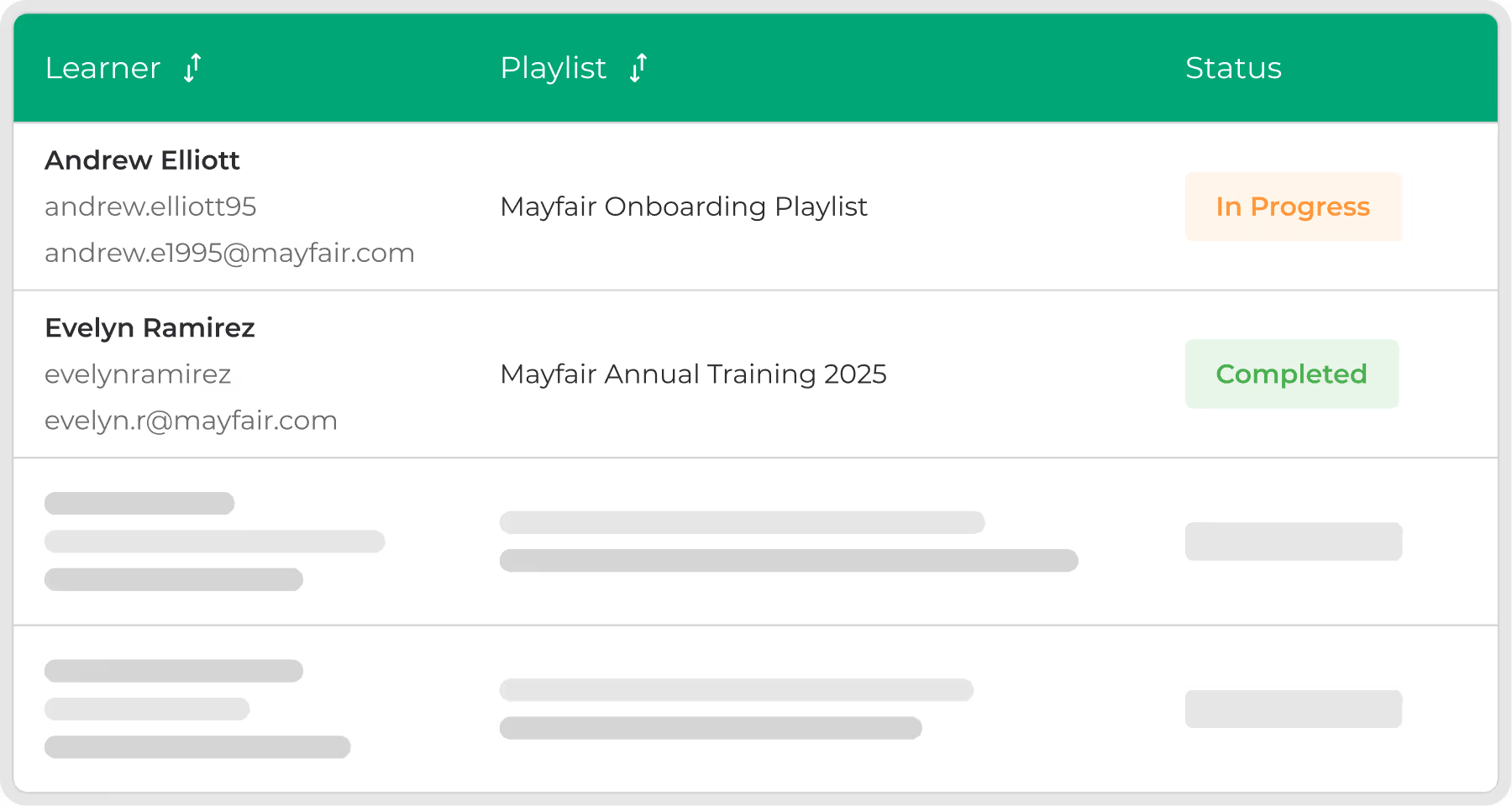
Monitor who has been assigned Playlists; apply filters, group results, and export data for operational and compliance needs.
3
Table showing learners Andrew Elliott and Evelyn Ramirez with their email addresses, assigned playlists, and statuses; Andrew's status is In Progress and Evelyn's status is Completed.
Orange banner advertising a feature release webinar on using Playlists to streamline training delivery, scheduled for Wednesday 26 November at 10:30 AM AEST (11:30 AM AEDT) with a registration link.

One setup, endless impact

When you create a Playlist, you're not just setting up a one-time training. You're building something you can use again and again. Set it up once, choose the courses, who should get it, and it’s ready to go, forever.
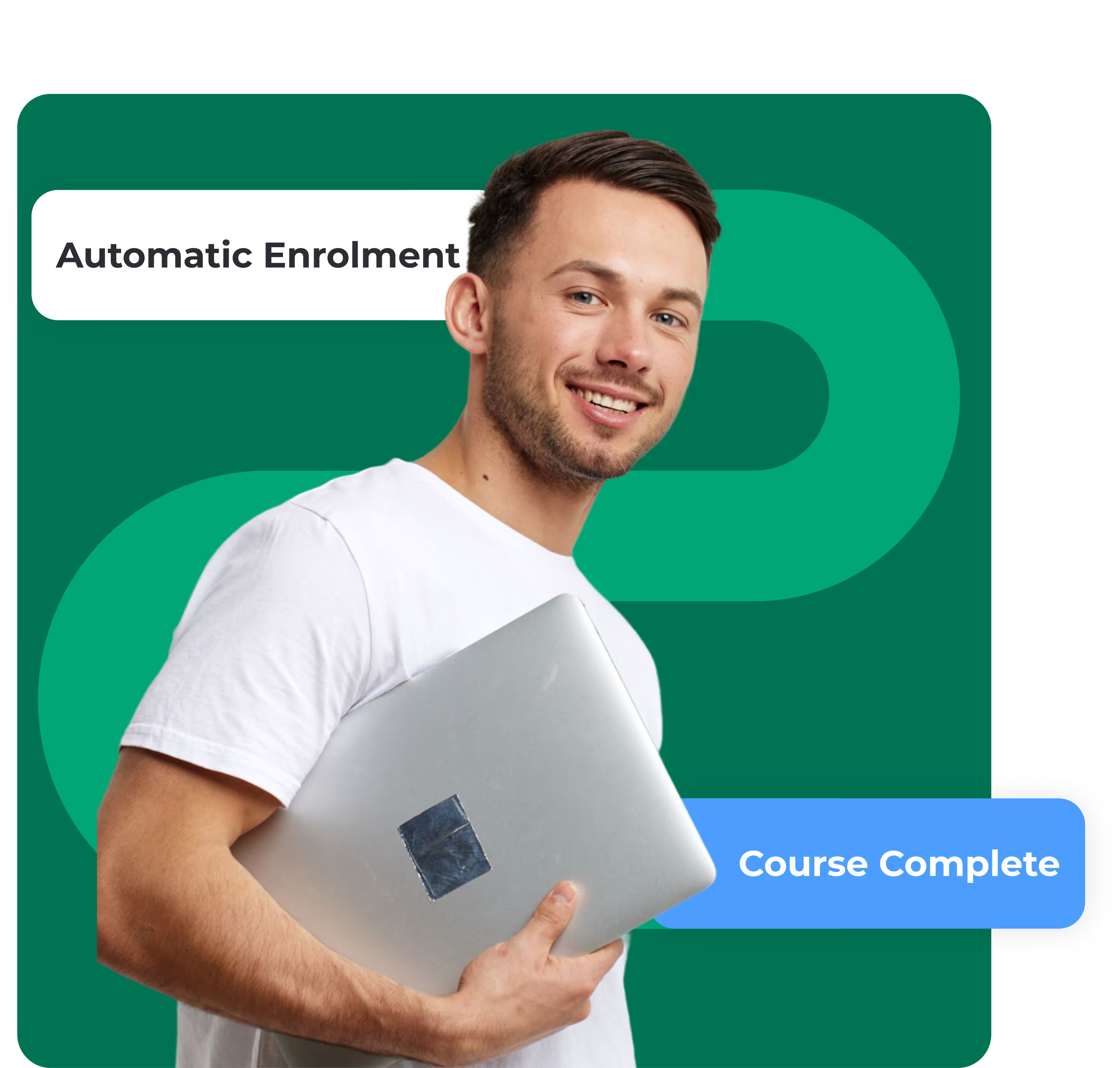
Smiling young man holding a silver laptop against a green background with text reading Automatic Enrolment and Course Complete.

Automation where it counts

Set your playlist to automatically assign and the moment someone joins your team and it will enrol them in the right courses immediately.

No individual enrolments. Just smart training delivery that runs itself.
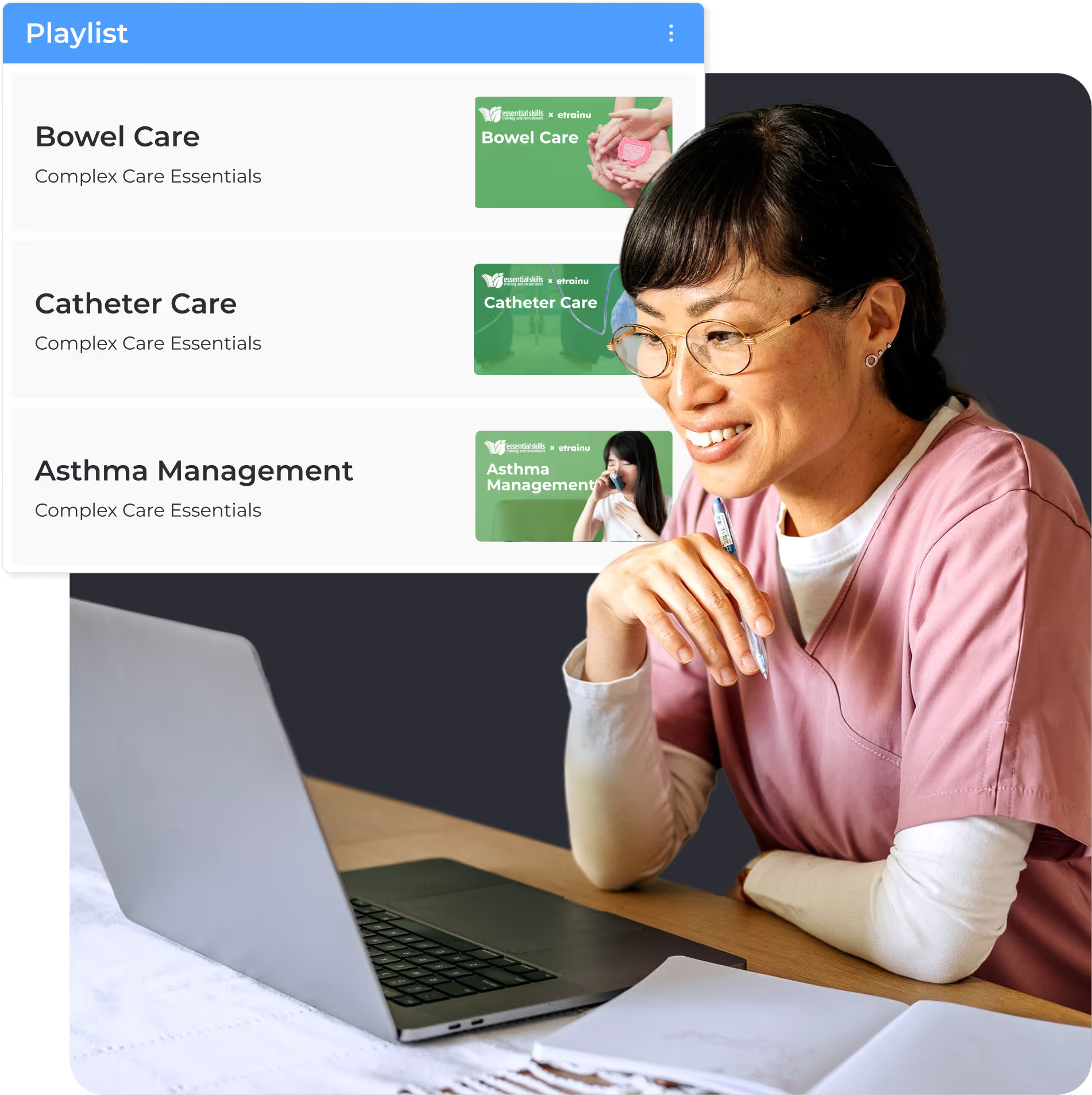
Smiling healthcare professional in pink scrubs looking at a laptop with a playlist of care courses on the screen.

Greater insights, better outcomes

Clear reporting insights empower you to step in early if someone falls behind, celebrate team achievements, and make more informed decisions about training and support.
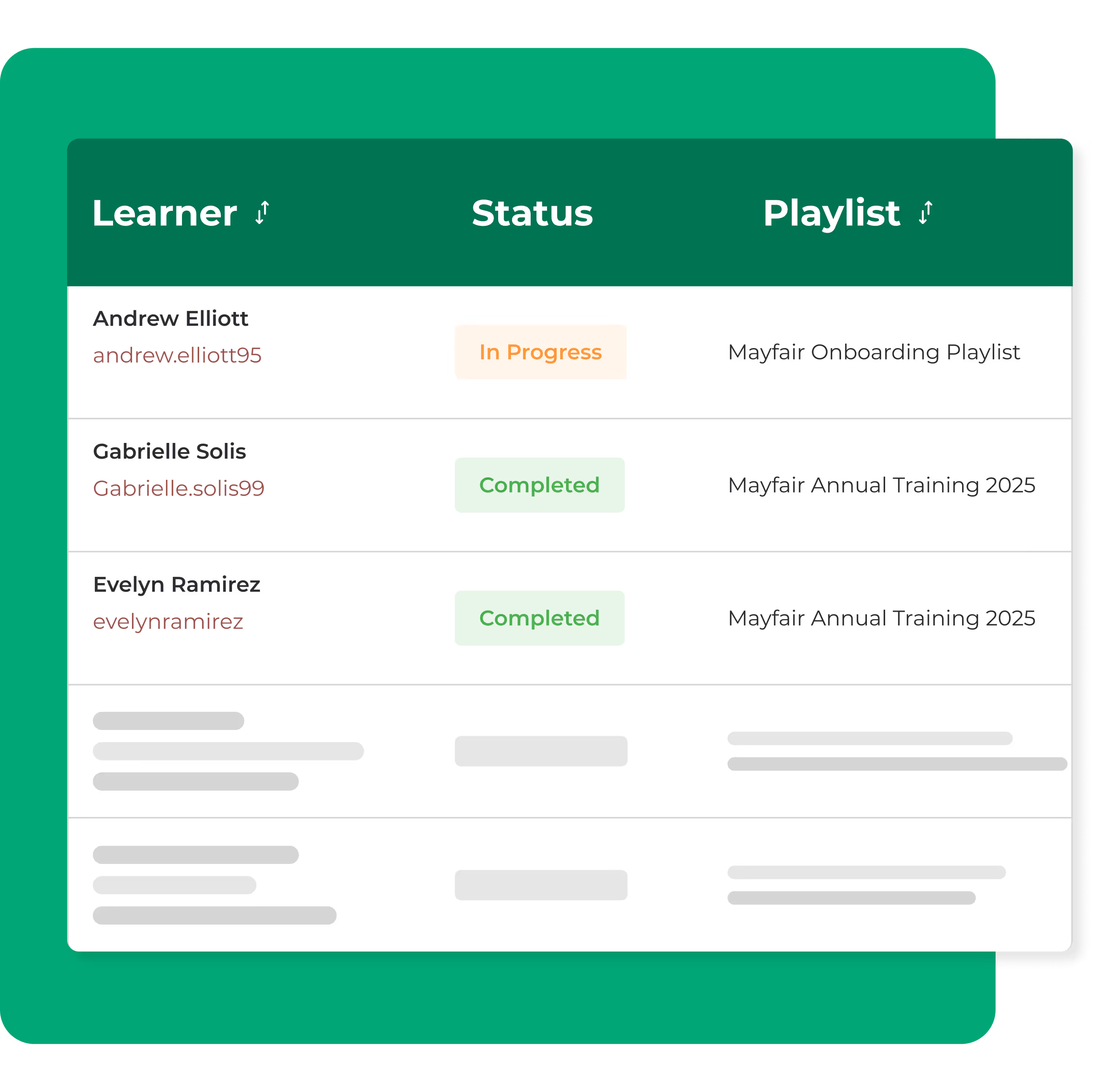
Table showing learners Andrew Elliott, Gabrielle Solis, and Evelyn Ramirez with their status as In Progress or Completed, and corresponding Mayfair training playlists.

See Playlists in action

Request a demo to see it in action, or if you already use etrainu get started by filling in this form.

BOOK A DEMO